

Creating a professional-looking music video used to require expensive equipment, a production crew, and weeks of editing. Not anymore. With the rise of AI MV generator tools, independent artists and content creators can now produce stunning visuals in a fraction of the time and cost.
Why Use an AI MV Generator?
Traditional music video production involves storyboarding, filming, hiring actors or dancers, and countless hours in post-production. An AI MV generator eliminates most of these steps by automatically creating visuals that sync with your music. Whether you’re an indie musician on a budget or a content creator looking to enhance your videos, AI-powered tools offer a practical solution.
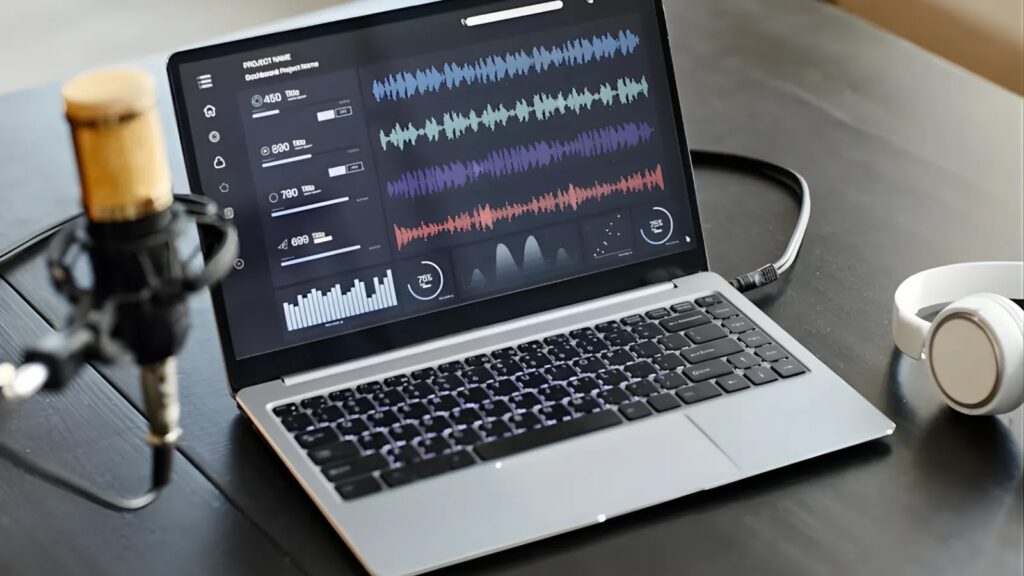
The technology analyzes your audio track, detects beats and mood changes, and generates corresponding visuals. The result is a cohesive video that feels intentionally crafted rather than randomly assembled.
Step-by-Step Guide to Creating Your AI Music Video
Step 1: Choose Your AI Tool
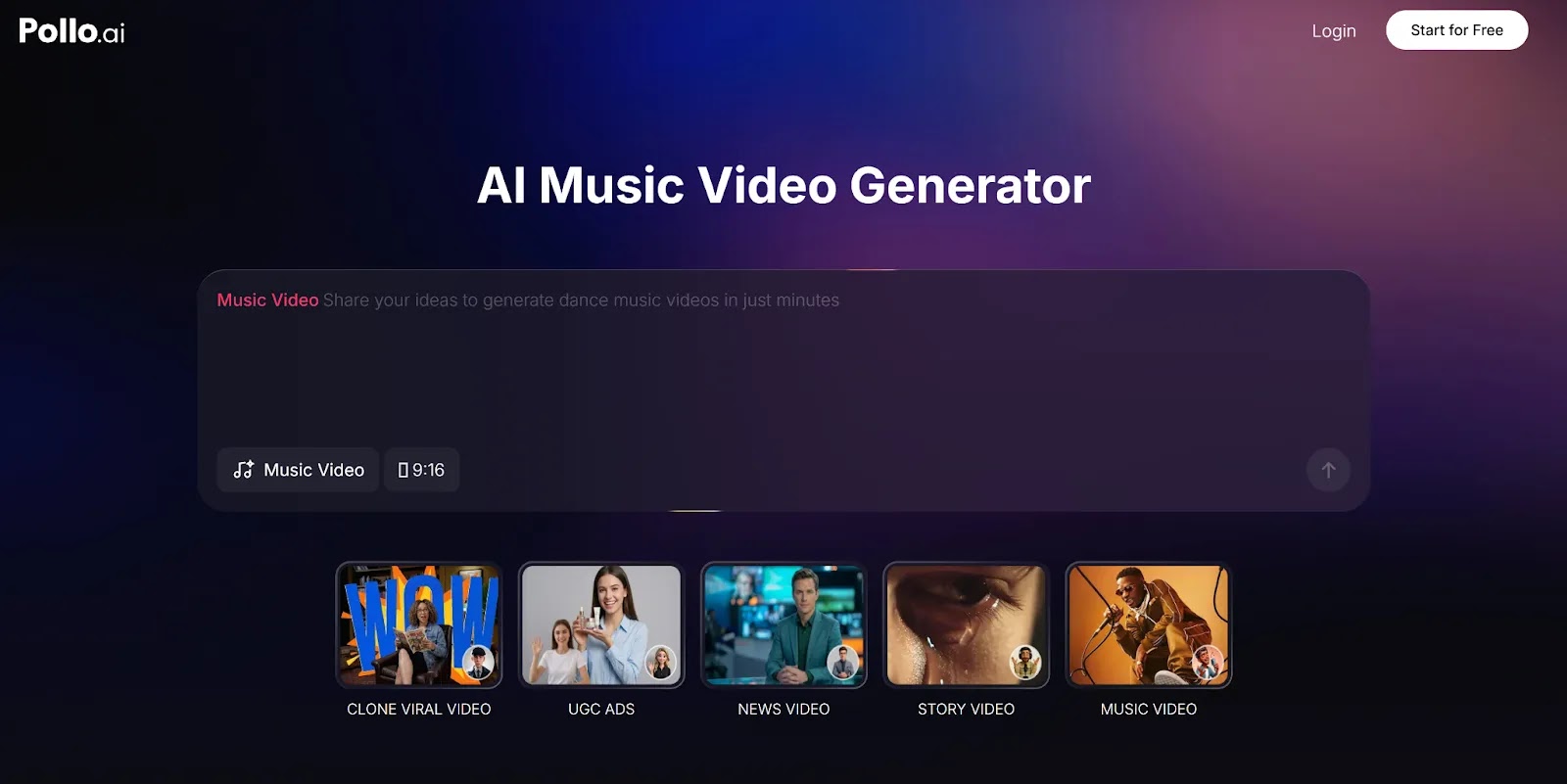
The first step is selecting the right platform. Look for an AI MV generator that offers style variety, beat synchronization, and easy export options. Pollo AI is one option worth considering—it provides an intuitive AI MV generator with multiple visual styles and is available as an app for on-the-go editing.
Step 2: Upload Your Audio Track
Once you’ve chosen your tool, upload your music file. Most platforms accept common formats like MP3, WAV, or AAC. Ensure your audio is high quality, as the AI uses it to determine visual timing and transitions.
Step 3: Select a Visual Style
AI MV generators typically offer various aesthetic options. You might choose from cinematic, abstract, anime-inspired, or retro styles. Consider your song’s mood and genre when making this decision. A melancholic ballad might suit dreamy, atmospheric visuals, while an upbeat pop track could benefit from vibrant, dynamic imagery.
Step 4: Customize Your Settings
Most platforms allow you to adjust parameters like color palette, transition speed, and visual intensity. Spend a few minutes experimenting with these settings. Small tweaks can significantly impact the final result.
Step 5: Generate and Preview
Click generate and let the AI work its magic. This process typically takes just a few minutes. Once complete, preview the video to ensure the visuals align with your vision. Most tools allow you to regenerate specific sections if needed.
Tips for Better Results
Match visuals to lyrics: If your AI MV generator allows text input, include your lyrics. Some tools can generate imagery that reflects your song’s narrative.
Use high-quality audio: Clean, well-mastered tracks produce better visual synchronization.
Experiment with multiple styles: Generate several versions before settling on your final choice. Different visual approaches can dramatically change how your music is perceived.
Edit afterward if needed: While AI does the heavy lifting, you can always make final adjustments in video editing software.
The Future of Music Video Production
AI MV generators are democratizing music video creation. Artists no longer need major label budgets to produce visually compelling content. As these tools continue to evolve, we can expect even more sophisticated features, including better lyric interpretation and more diverse visual styles. For creators who want professional results without the professional price tag.
Creating a music video with AI is no longer a futuristic concept—it’s a practical reality available today. In under 30 minutes, you can transform your audio track into a visual experience that engages listeners and enhances your artistic expression. Whether you’re promoting a new single or creating content for social media, an AI MV generator is a valuable addition to your creative toolkit.
Start experimenting today and discover how AI can bring your music to life visually.


Community Discussion
Join the conversation. Ask questions, share solutions, and help others.
Be the first to start the discussion!