

Your home router may already be working for Russian military intelligence — and you’d have no idea.
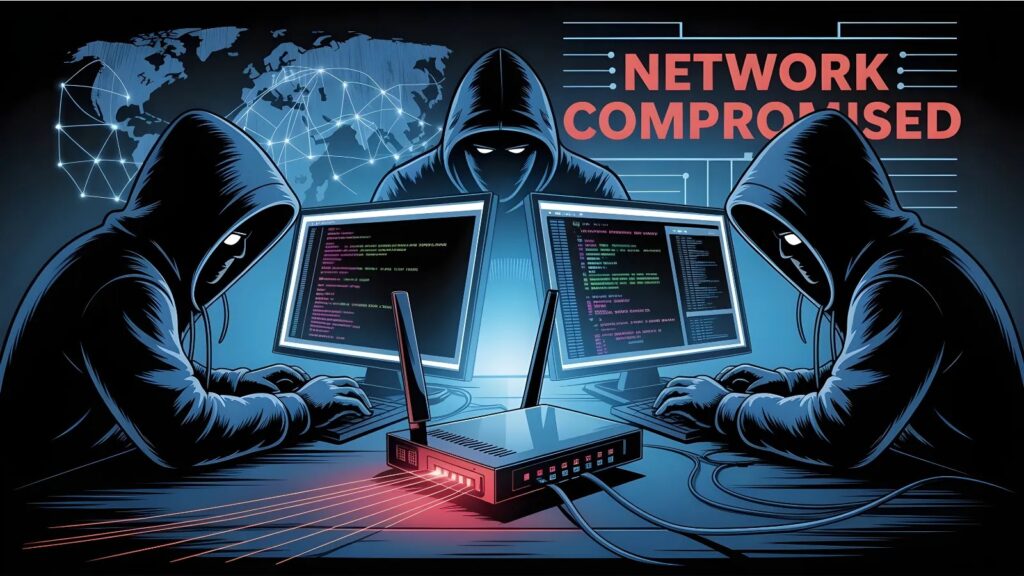
In a rare coordinated disclosure, both the UK’s National Cyber Security Centre (NCSC) and Microsoft Threat Intelligence have published detailed research exposing how APT28 — Russia’s GRU military intelligence unit, tracked by Microsoft as Forest Blizzard and its sub-group Storm-2754 — has been running a large-scale campaign to hijack home and small office routers, silently redirecting internet traffic to steal passwords, OAuth tokens, and even live email content.
Microsoft’s telemetry puts the scale of the damage in concrete terms: over 200 organizations and 5,000 consumer devices have been hit by the group’s malicious DNS infrastructure since at least August 2025. Government bodies, IT firms, telecoms providers, and energy companies are among the confirmed sectors affected.
The Attack Chain, Step by Step
The operation starts with a cheap investment for a nation-state actor: exploiting known vulnerabilities in widely deployed SOHO (small office/home office) routers. The NCSC specifically identified the TP-Link WR841N as an exploited model, leveraging CVE-2023-50224 — a flaw that allows an unauthenticated attacker to extract router credentials via a crafted HTTP request. Over 20 TP-Link models appear on the compromised devices list, and MikroTik routers have also been targeted.
Once inside, APT28 modifies the router’s DHCP/DNS settings (the mechanism that tells every device on the network where to send internet traffic) to point toward attacker-controlled DNS servers. Every phone, laptop, and tablet connected to that network then unknowingly routes its DNS queries — essentially every website lookup — through Russian infrastructure.
From there, the group runs two types of follow-on operations. In most cases, traffic flows transparently to legitimate services while the actor quietly logs DNS requests to build an intelligence picture of victim activity.
In a more aggressive subset of cases — reserved for high-value targets — Forest Blizzard spoofs DNS responses to redirect connections toward adversary-in-the-middle (AitM) servers that impersonate Microsoft Outlook on the web. The fake server presents an invalid TLS certificate (the security credential browsers use to verify a website’s identity); if the victim ignores the browser warning, the attacker intercepts plaintext traffic, potentially capturing emails and other cloud content in real time.
Microsoft has also identified separate AitM operations targeting government servers in at least three African nations.
Why Remote Workers Are Especially Exposed
Microsoft flags a critical blind spot that organizations often overlook: enterprise security controls and cloud hardening mean nothing if an employee’s home router has been silently compromised.
A corporate laptop connecting through a hijacked home network can have its Microsoft 365 session intercepted even when the corporate environment itself is fully secured. This makes the campaign particularly dangerous in the post-pandemic era of hybrid work.
What You Need to Do Now
Both NCSC and Microsoft recommend a consistent set of actions. Update your router firmware immediately and disable remote management interfaces exposed to the internet. At the account level, enforce multi-factor authentication (MFA) — and move beyond standard SMS-based MFA toward phishing-resistant options like passkeys — on all Microsoft 365 and cloud accounts.
Microsoft specifically recommends enabling Conditional Access policies and continuous access evaluation in Microsoft Entra, which can automatically block or challenge suspicious sign-ins even after credentials have been stolen.
Organizations using Microsoft Defender for Endpoint should hunt for unauthorized DNS setting changes on Windows machines connected to SOHO devices, and review Entra ID Protection’s risky sign-in and risky user reports for anomalous access patterns. Resetting DNS settings removes the hijacking, but it won’t undo credential theft that has already occurred — so a full password reset and session revocation for affected accounts is essential if compromise is suspected.
For home users, the immediate action is simple but often neglected: check your router’s DNS settings. If the primary DNS server is not an address you recognize or set yourself, treat the device as compromised.


Community Discussion
Join the conversation. Ask questions, share solutions, and help others.
Be the first to start the discussion!